How do I stop user enumeration in WordPress?
By Eureka Studio · Updated
Short answer
WordPress shows usernames in four public places: the REST endpoint /wp-json/wp/v2/users, ?author=1 redirects, author archive URLs and the core user sitemap. To hide them, block the REST list for logged-out visitors, stop ?author= scans, remove the user sitemap and make login errors identical. A plugin can do all four; test each afterwards.
Steps
1Step 1
See what WordPress shows today
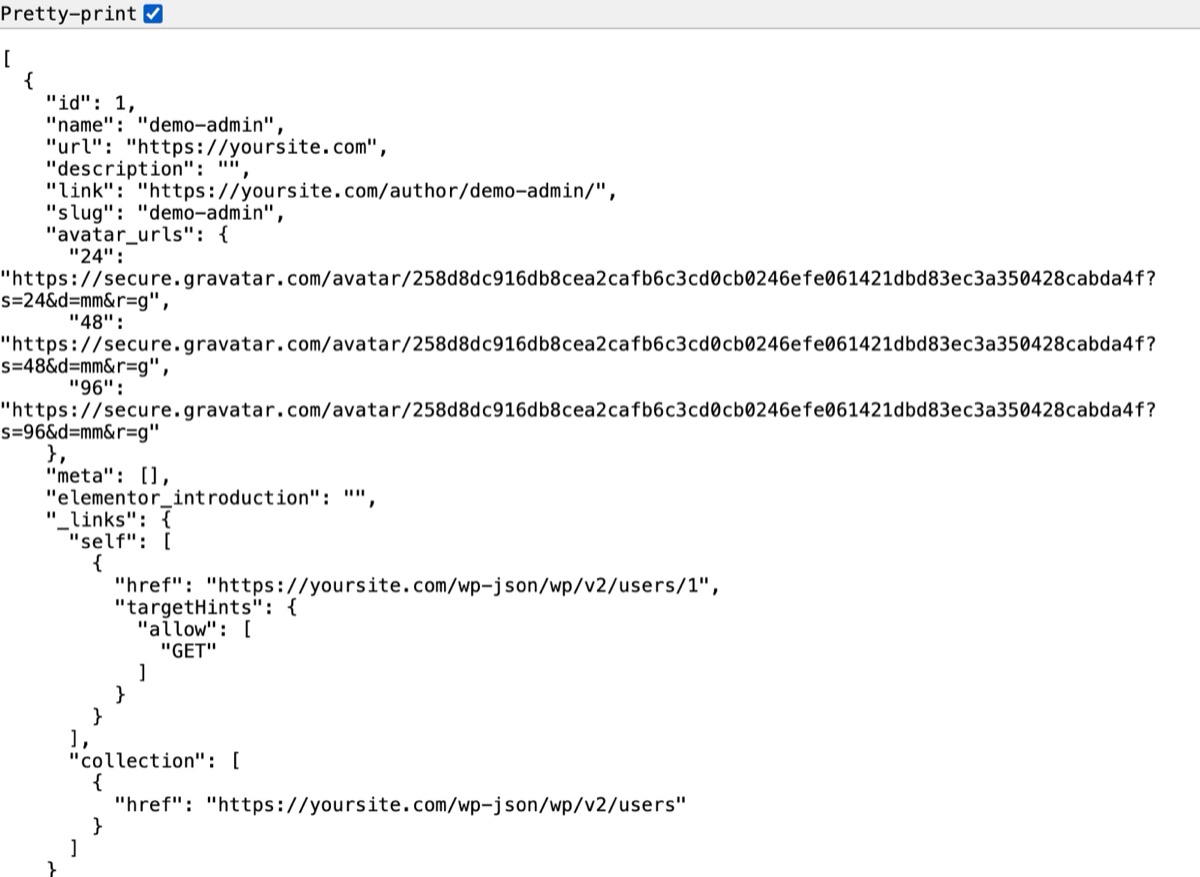
Visit yoursite.com/wp-json/wp/v2/users while logged out. On a default install you get a JSON list with each author's login name in the slug field.
2Step 2
Try the author scan
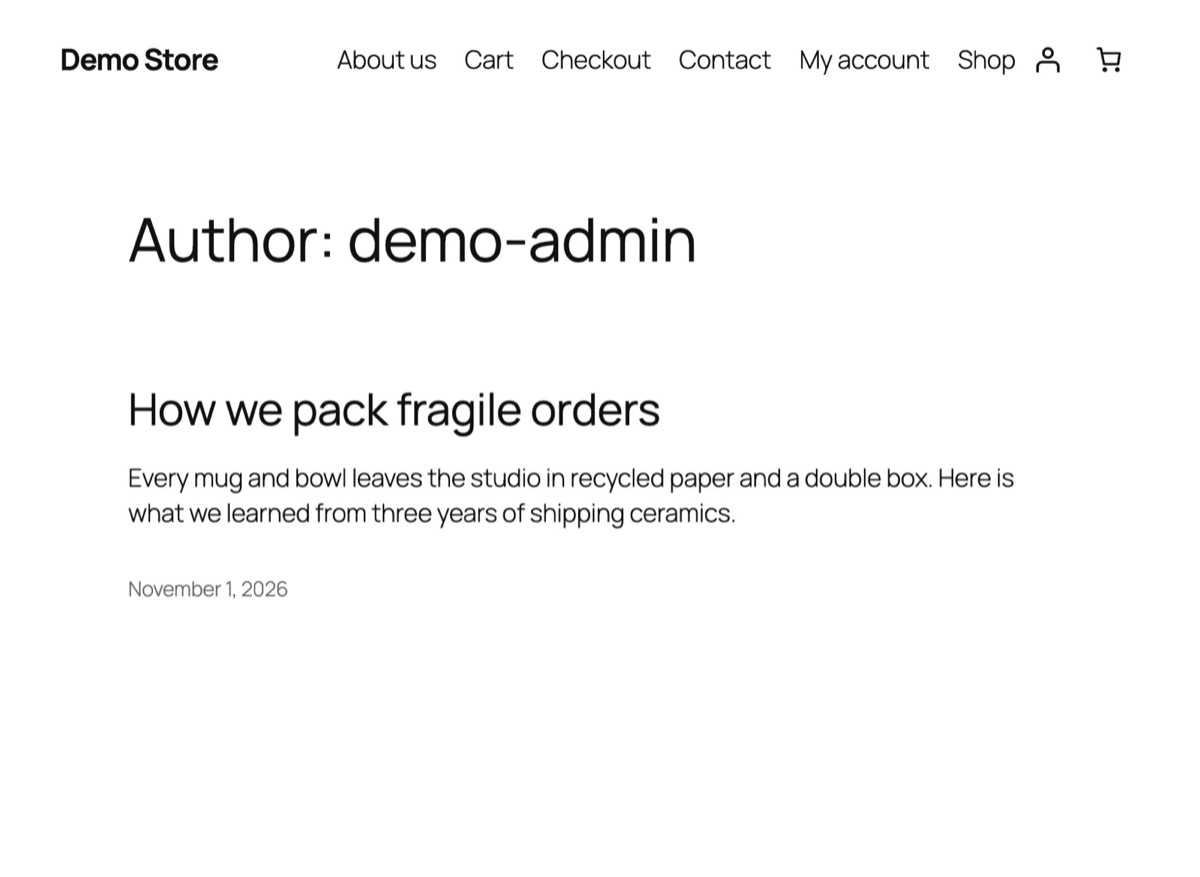
Now visit yoursite.com/?author=1. WordPress redirects to /author/your-username/, putting the name in the address bar. Bots count up 1, 2, 3 to collect every user.
3Step 3
Close the four places
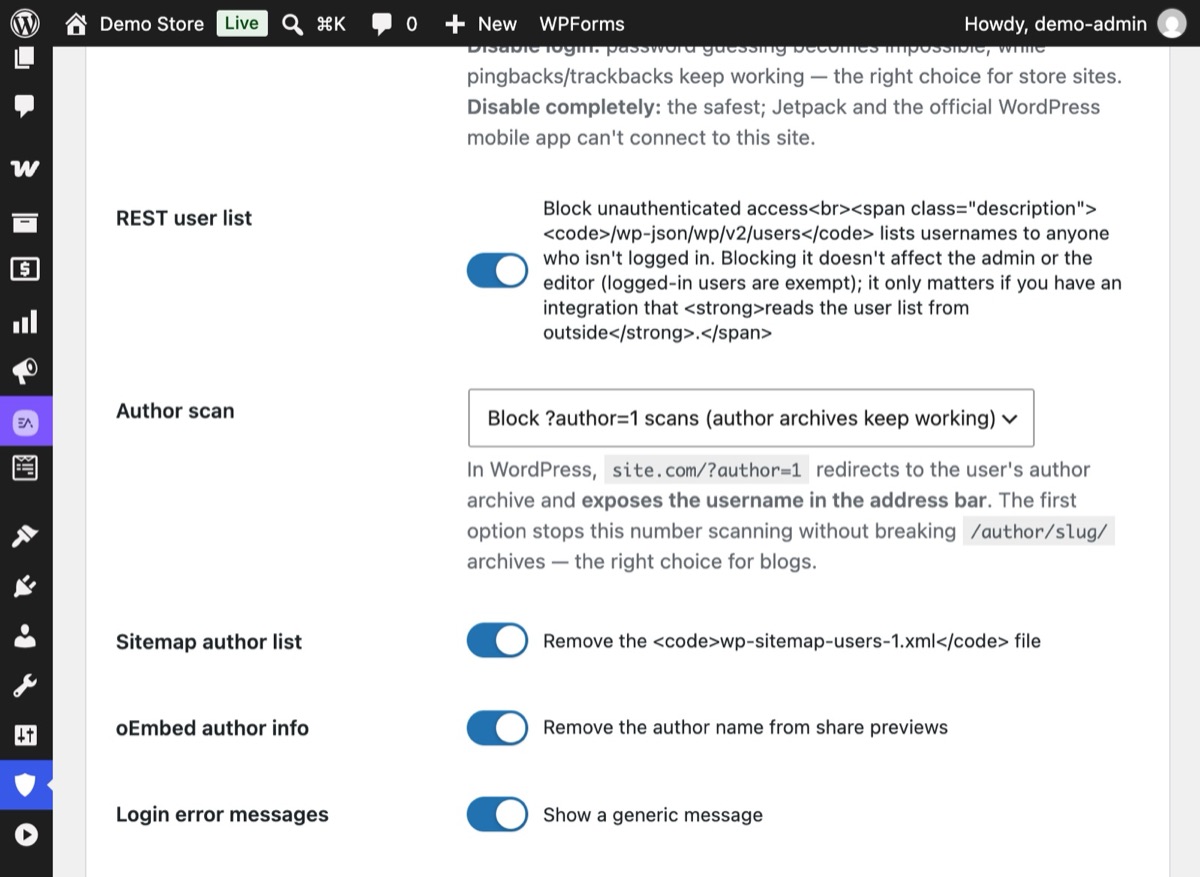
Open Hushfort → Surface Hardening and switch it on. Keep REST user list, Author scan ("Block ?author=1 scans"), Sitemap author list and oEmbed author info turned on, then save.
4Step 4
Test again from a private window
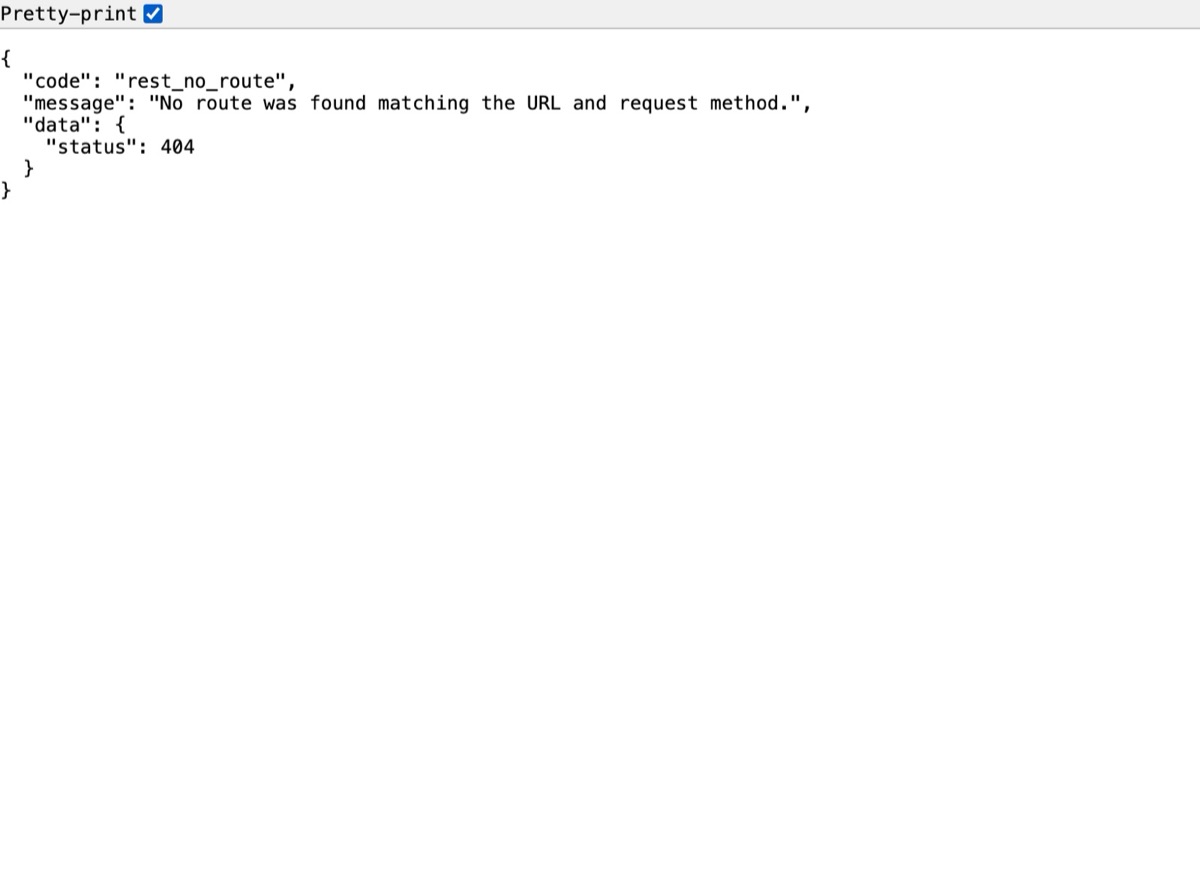
Repeat the same requests while logged out. The user list now answers "rest_no_route" with a 404, and ?author=1 no longer redirects to a username.
Why it matters
To log in, an attacker needs two things: a username and a password. WordPress, out of the box, hands over the first half. It isn't a bug; each place exists for a reason (feeds for apps, pretty author URLs, search engines). But together they let any bot build a list of every login name on your site in seconds.
Hiding usernames doesn't make a weak password safe. What it does is remove the easy half of the puzzle, so every guess has to cover both a name and a password. Paired with login limits and two-factor login, that turns guessing from slow into hopeless.
The four places WordPress publishes usernames:
- REST API —
/wp-json/wp/v2/userslists authors with their slug, which usually equals their login name. - Author scans —
/?author=1redirects to/author/login-name/. - Author archives — the archive URL itself contains the author slug.
- Core sitemap —
/wp-sitemap-users-1.xmllists author archive URLs. oEmbed responses can also include author information.
Common mistakes
- Fixing one place and calling it done. Closing
?author=while the REST list stays open changes nothing for a bot. Check all four. - Display name equals login name. Even with every leak closed, a theme that prints "Posted by admin" gives the name away. Set a different display name under Users → Profile.
- Breaking real author pages. On a blog with several writers, author archives are useful. Block number scans instead of the archives themselves.
- Detailed login errors. "The password you entered for the username jane is incorrect" confirms the name exists. Use one message for both cases.
Without a plugin
You can cover most of this with a must-use plugin (wp-content/mu-plugins/hide-users.php):
<?php
// 1. REST user list: logged-out visitors get nothing.
add_filter( 'rest_endpoints', function ( $endpoints ) {
    if ( ! is_user_logged_in() ) {
        unset( $endpoints['/wp/v2/users'], $endpoints['/wp/v2/users/(?P<id>[\d]+)'] );
    }
    return $endpoints;
} );

// 2. ?author=N scans: stop the redirect that reveals the name.
add_action( 'template_redirect', function () {
    if ( isset( $_GET['author'] ) && ! is_admin() ) {
        wp_safe_redirect( home_url( '/' ), 301 );
        exit;
    }
} );

// 3. Core sitemap: drop the users provider.
add_filter( 'wp_sitemaps_add_provider', function ( $provider, $name ) {
    return 'users' === $name ? false : $provider;
}, 10, 2 );

// 4. Same message for wrong username and wrong password.
add_filter( 'login_errors', function () {
    return 'The username or password is incorrect.';
} );
Caveats: test it on a staging site first, because themes and plugins sometimes read the REST user list. This doesn't change the author slug in archive URLs; for that, change each author's nicename or use a display-name plugin. And it's one more file to keep track of when you move or rebuild the site.
If something goes wrong
- An integration lost its author list. Some external tools read
/wp/v2/userswithout logging in. Give them an application password so they authenticate, or allow the list again. - Author pages show a 404. You chose to disable author archives completely. Switch to the option that blocks number scans only.
- SEO plugin still lists authors. Many SEO plugins generate their own author sitemap. Turn author sitemaps off in that plugin too.
With Hushfort
The Username Shield, part of Hushfort's Surface Hardening layer, closes all four places in one screen:
- blocks the REST
/wp/v2/userslist for visitors who aren't logged in, - blocks
?author=Nscans while keeping/author/name/archives (or disables archives entirely, if you prefer), - removes the core user sitemap and author details from oEmbed responses,
- makes login error messages the same for a wrong username and a wrong password.
Then Surface Scan tests every place with real requests and names any username that still leaks.
Frequently asked questions
What is user enumeration in WordPress?
Is it a security risk if my username is visible?
Will blocking the REST user list break the editor?
Can I keep author archive pages?
Why do the login error messages matter?
Related how-tos
How do I run a security check on what my WordPress site exposes?
Test your WordPress site the way a bot does. Five requests show if the login, XML-RPC and your usernames are open, and how to close what you find.
Read the stepsWhat is xmlrpc.php, and how do I disable it in WordPress?
xmlrpc.php is a second login door that a hidden login page doesn't close. How to shut it safely, keep pingbacks if you want, and test the result.
Read the stepsHow do I limit login attempts in WordPress?
Stop brute-force password guessing by locking out an IP after a few failed logins. Settings that work, the manual code, and the holes to close.
Read the steps